Class Clowns Codes
Active promo codes, rewards, and how to redeem them in Settings.
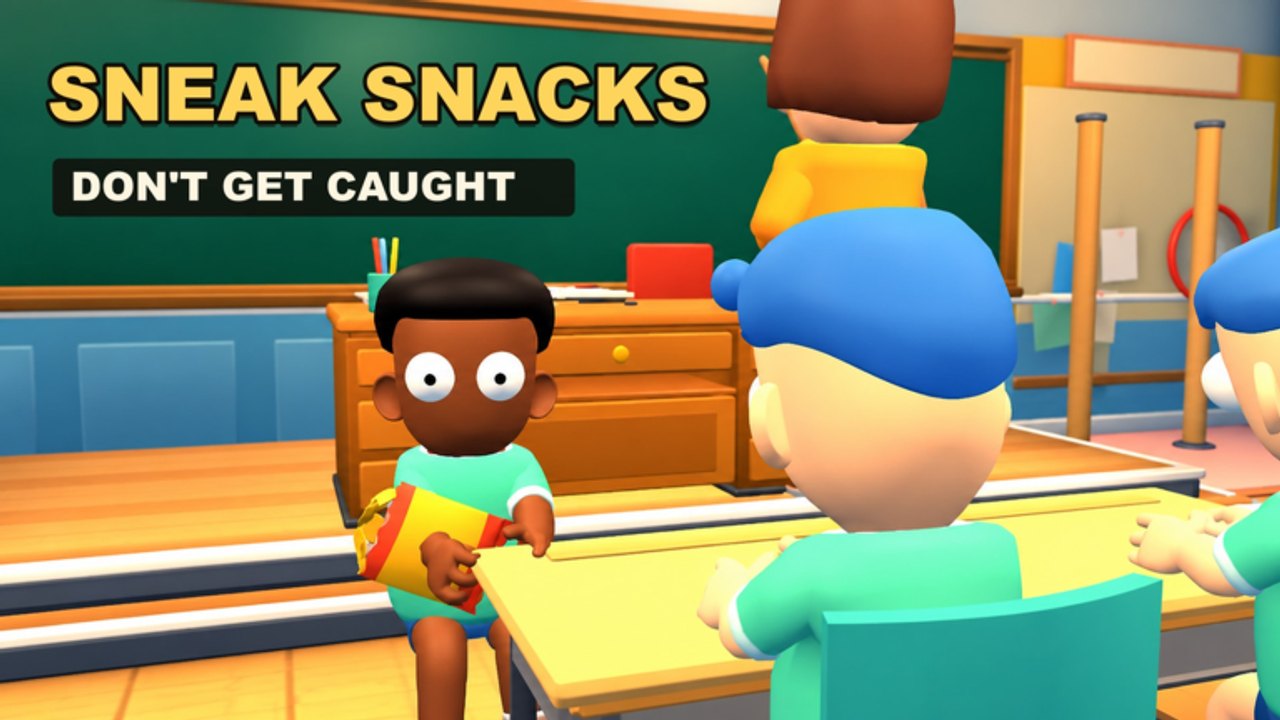
Looking for Class Clowns codes that still work? This hub lists every active code we track for the Roblox classroom prank game from Mr Chow Studios, what each code gives you, and where to type it in-game. Codes are the fastest way to grab free XP and funny outfits so you can level up and clown around without grinding every round from zero.
Class Clowns launched on 27 October 2026 and kept growing through mid-November 2026 — visits past roughly ~1.8M with concurrent spikes near ~20k — while still live-updating. It is a survival-style 1 vs All experience: most players join as Students who sneak snacks, blow giant gum bubbles, drop banana peels and balloons, and free friends from the hook, while one player takes the Teacher role and tries to stun the class with chalk and hang troublemakers. Free XP from codes helps both sides unlock cosmetics faster. Server size is 12, so every gift you redeem shows up on a busy classroom floor.
We only publish codes that appear in the official game description or other trusted developer posts. Right now that means three launch codes: WELCOME, STUDENT, and TEACHER — verified still active as of mid-November 2026. Do not trust random lists that invent extras. Codes can expire or rotate when the developers push updates, so recheck this page and the official Roblox game page after big patches.
For a full click-by-click walkthrough, open How to Redeem Codes. New players should also skim Getting Started, Outfits and XP, How to Play as Student, and How to Play as Teacher so the XP you claim actually turns into better rounds.
Active Class Clowns codes
| Code | Rewards | Status | Notes |
|---|---|---|---|
| WELCOME | Free XP and outfits | Active (mid-Nov 2026) | Launch / welcome gift listed in the official description |
| STUDENT | Free XP and outfits | Active (mid-Nov 2026) | Themed for the Student role |
| TEACHER | Free XP and outfits | Active (mid-Nov 2026) | Themed for the Teacher role |
Type each code exactly as shown (spelling and capitalization). Redeem them under Settings > Codes. After a successful redeem you should see confirmation and the XP or outfit unlock in your progress. If nothing happens, leave the menu, rejoin the experience, and try once more — common Roblox hiccups include typos, expired codes, and already-redeemed codes on the same account.
What codes are for
Promo codes in Class Clowns are meant to boost early progression and celebrate roles:
- XP speeds leveling so you unlock funny outfits sooner. Cosmetics do not usually change hitboxes, but looking the part makes rounds more fun and helps friends spot your role at a glance.
- Outfits are the main cosmetic payoff. Leveling and codes both feed the wardrobe, so redeeming early stacks with natural XP from successful pranks, rescues, or Teacher catches. Deep progression notes live on Outfits and XP.
- Codes are account-bound in the usual Roblox sense: redeem on the account you play on. Sharing a code string is fine; sharing an account is not and risks bans elsewhere on the platform.
Students who plan to main snacks, gum, banana peels, and balloon pranks should still redeem TEACHER if it is available — rewards are not locked to the role you are currently playing. Teachers should redeem STUDENT the same way. Grab every active code once, then focus on gameplay guides like Snacks and Items.
Expired and inactive codes
When a code stops working we move it here so you do not waste time. As of mid-November 2026, the three codes above are the only ones confirmed from the official description. If WELCOME, STUDENT, or TEACHER begin returning errors for everyone, treat them as expired until Mr Chow Studios posts replacements.
Never pay for “private code lists.” Scammers often sell dead strings or ask you to log in on fake sites. Stick to Settings inside the real experience and to links from the Links Hub.
How often we update this hub
We refresh the table when:
- The official Class Clowns description adds or removes codes.
- Players report mass redeem failures that look like expiry.
- A seasonal event or update patch drops new gifts.
Bookmark Codes and check after major Updates, Launch Notes, or November 2026. Pair codes with Tips and Tricks, the Pranks Tier List, and role pages for Student and Teacher so free XP turns into better classroom plays — including knowing when to hide, when to free friends from the hook, and when chalk is about to fly.
Safe redeem checklist
- Join Class Clowns from the verified Roblox place page.
- Open Settings, then the Codes field.
- Enter WELCOME, redeem, then repeat for STUDENT and TEACHER.
- Confirm XP or outfit unlocks before leaving the server.
- If a code fails, verify spelling, confirm you have not already redeemed it, and recheck this hub plus the official description.
Need screenshots-level detail? Continue to How to Redeem Codes. For controls and classroom flow, see Controls and Free Friends from the Hook. Scripts are a separate topic with real account risk — read Scripts before installing any executor.
Related pages
- How to Redeem Codes — step-by-step Settings path
- Outfits and XP — how codes stack with play progression
- Guides Hub — student and teacher walkthroughs
- Updates Hub — patch notes that may add codes
- Links Hub — official Roblox and group links
- Tier List — which pranks are worth using after you gear up
Frequently Asked Questions
Quick answers for Class Clowns players.
What are the working Class Clowns codes right now?
The active codes from the official game description are WELCOME, STUDENT, and TEACHER. Redeem each in Settings > Codes for free XP and outfits. They may expire later, so recheck this hub and the Roblox description after updates.
Where do I redeem Class Clowns codes?
Open the in-game Settings menu, find the Codes section, type the code exactly, and confirm. Full steps are on the How to Redeem Codes page.
Do Class Clowns codes give Robux?
No. The published launch codes reward free XP and outfits, not Robux. Ignore anyone selling Robux codes for this game.
Can I use the same code on more than one account?
Each code is typically redeemable once per Roblox account. You can redeem on alts you own, but never share passwords. Codes themselves are meant to be shared publicly.
A code says invalid — what should I do?
Check spelling and capitalization, make sure you are in Class Clowns (not another experience), confirm you have not already redeemed it, then recheck the official description. If it fails for everyone, the code likely expired.